Connected platform
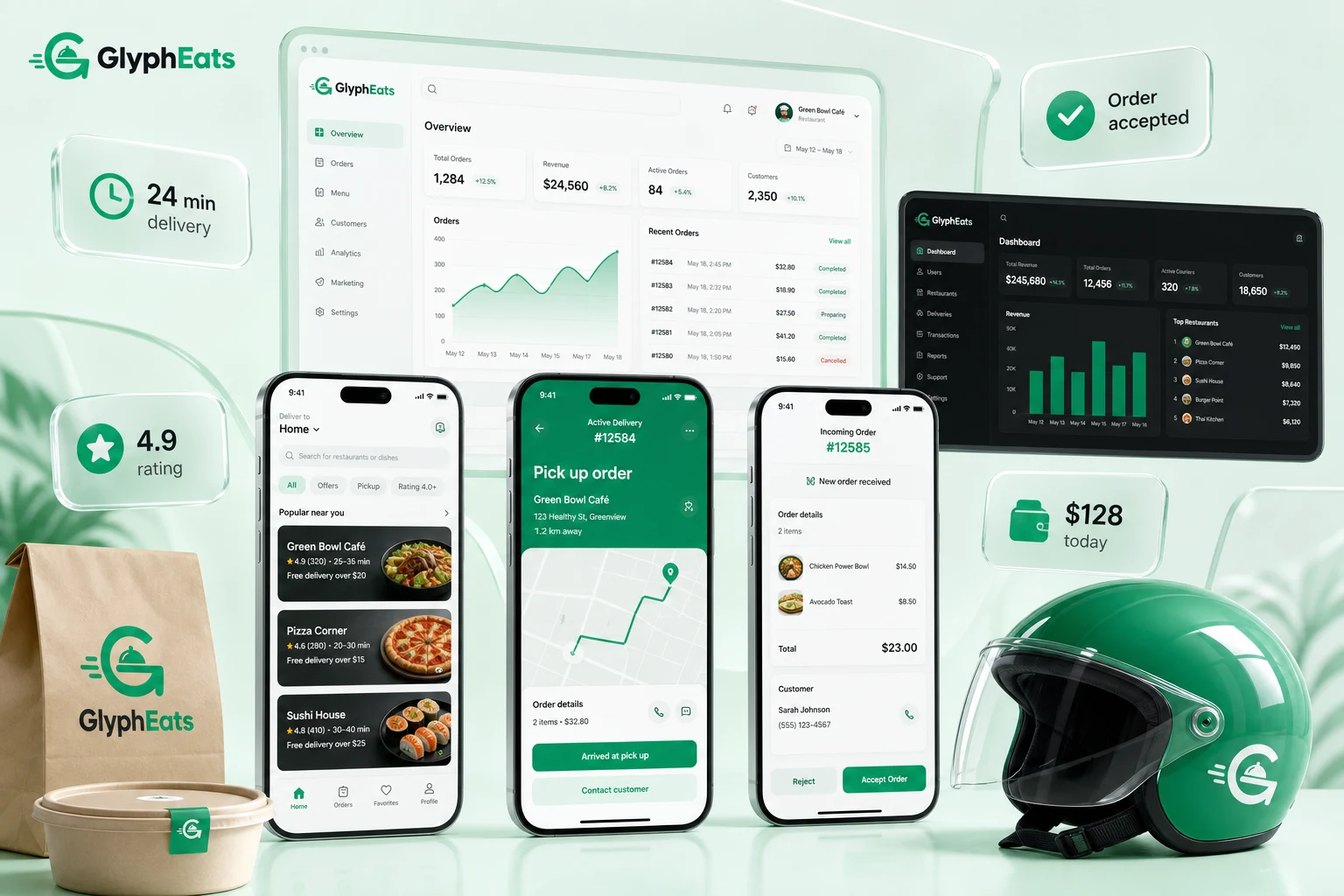
A food delivery app solution is a readymade platform for running an online food delivery business. Customers can order from restaurants, restaurants receive and prepare the order, and delivery riders handle pickup and delivery.
UberEats Clone · Customer App · Rider App · Restaurant Panel · Admin
GlyphEats is our readymade UberEats clone for launching a multi-restaurant food delivery business. Customers can order food, restaurants manage their orders, and riders handle pickup and delivery from their own apps.
The platform
A food delivery app solution is a readymade platform for running an online food delivery business. Customers can order from restaurants, restaurants receive and prepare the order, and delivery riders handle pickup and delivery.
Instead of building the customer app, restaurant panel, rider app, and admin panel separately from scratch, everything is already built and connected in one platform.
With a readymade food delivery app like GlyphEats, you can get your platform ready to launch within a week.
Open the app and find restaurants delivering near you. Check the menu, prices, offers, and expected delivery time before choosing one.
Decide what you want to eat, choose any add-ons, and send the order to the restaurant with your delivery details.
The restaurant receives the order and starts preparing it. Once the food is packed, they mark it ready for the rider.
The rider collects the food from the restaurant and delivers it to your location. You can add a tip and rate the delivery.
The customer journey
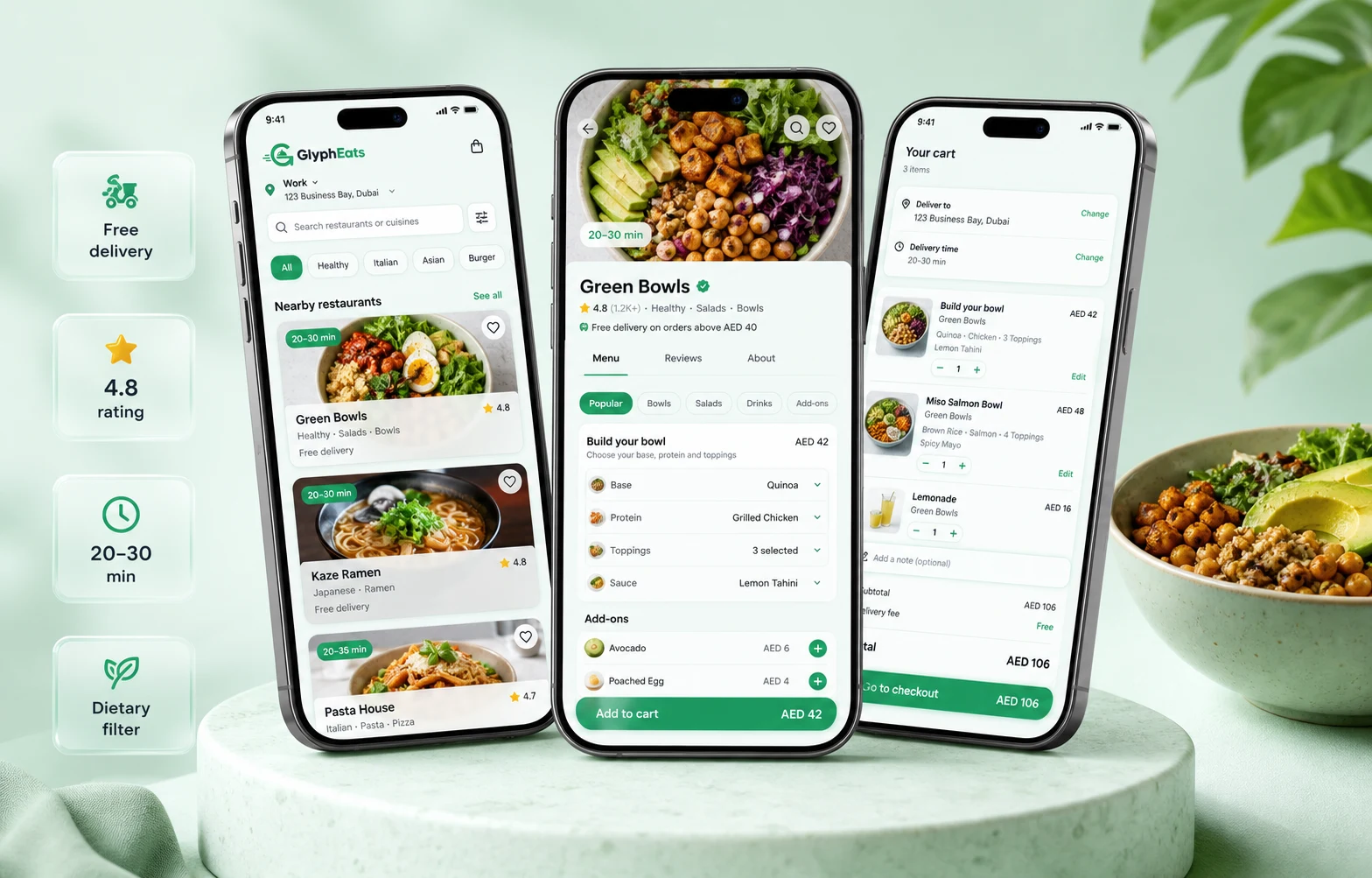
Browse restaurants nearby and filter them by cuisine, rating, price, offers, delivery time, or dietary preference.
Choose the item size or variant, add extras, change the quantity, add delivery notes, select an address, and pay from the app using wallet or card.
Keep an eye on your order from the moment it is accepted until it reaches you.
Use available coupons or offers and order the same meal again from your order history.
Rate the restaurant or rider after delivery. If there is an issue with the order, customers can contact support directly from that order.
Get updates when the order is accepted, prepared, picked up, out for delivery, or completed.
 Kitchen ready
For restaurants
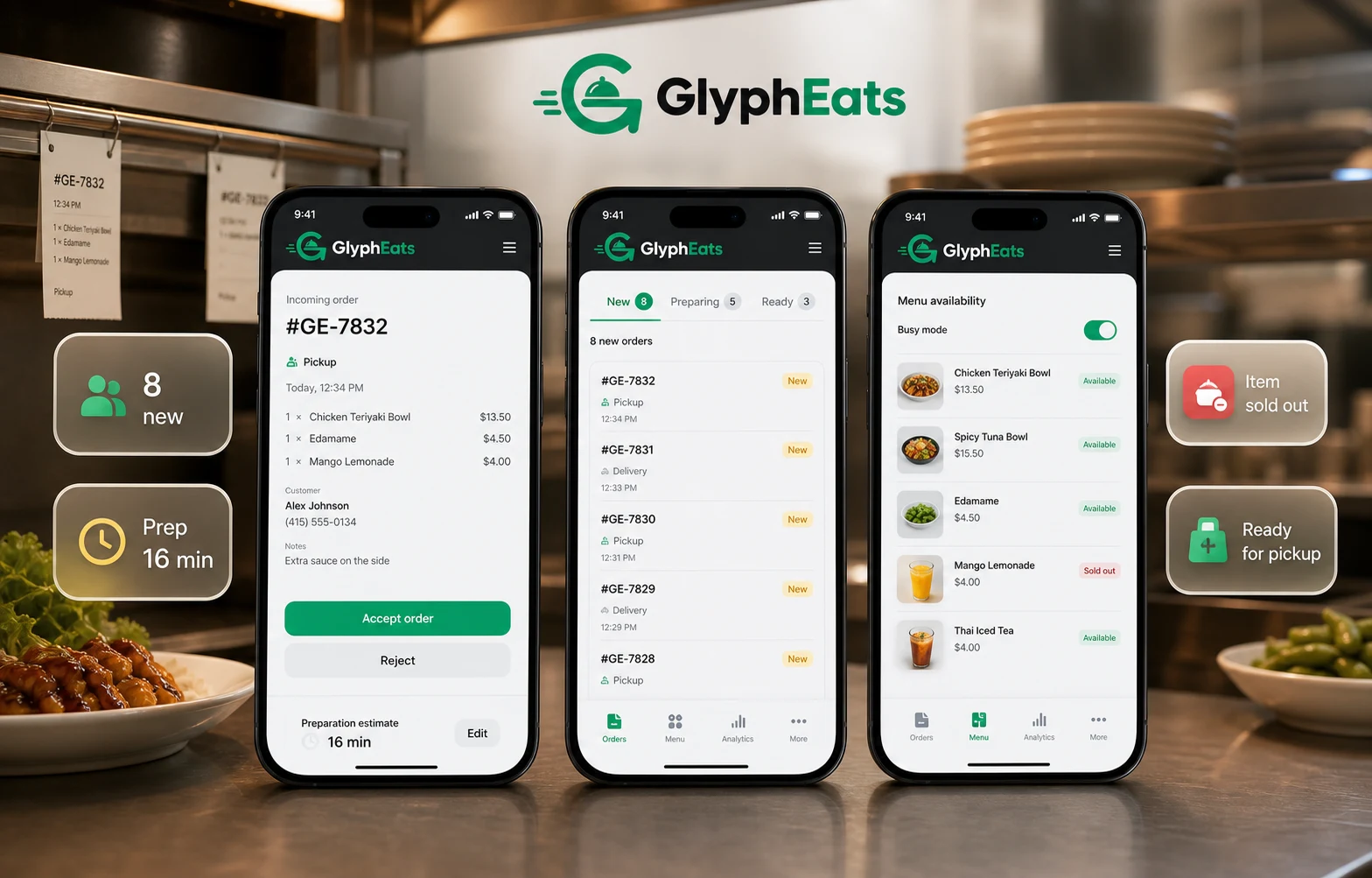
Add new menu, sub-menu, and food items, update pricing for each item, upload food photos, add variants or extras, and mark an item unavailable when it sells out.
Accept or reject incoming orders, check the order details, update the preparation time, and mark the food ready for pickup.
Set your opening hours, close the restaurant temporarily when needed, and decide when you want to accept orders.
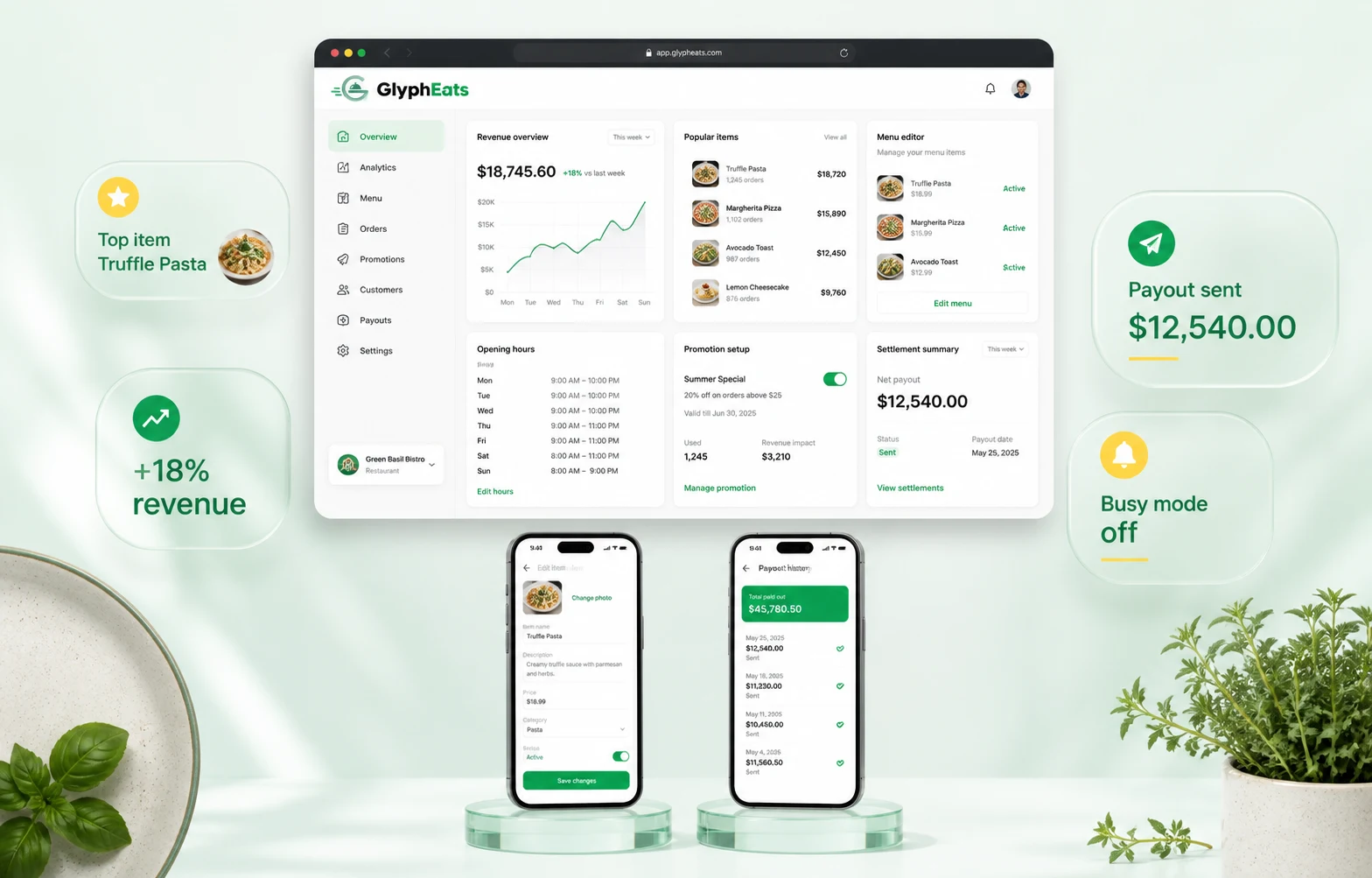
Get real-time insights from the dashboard on orders and revenue.
For restaurant owners
Check today’s orders, see which food items are selling, review your revenue, and keep track of payouts from the restaurant panel.
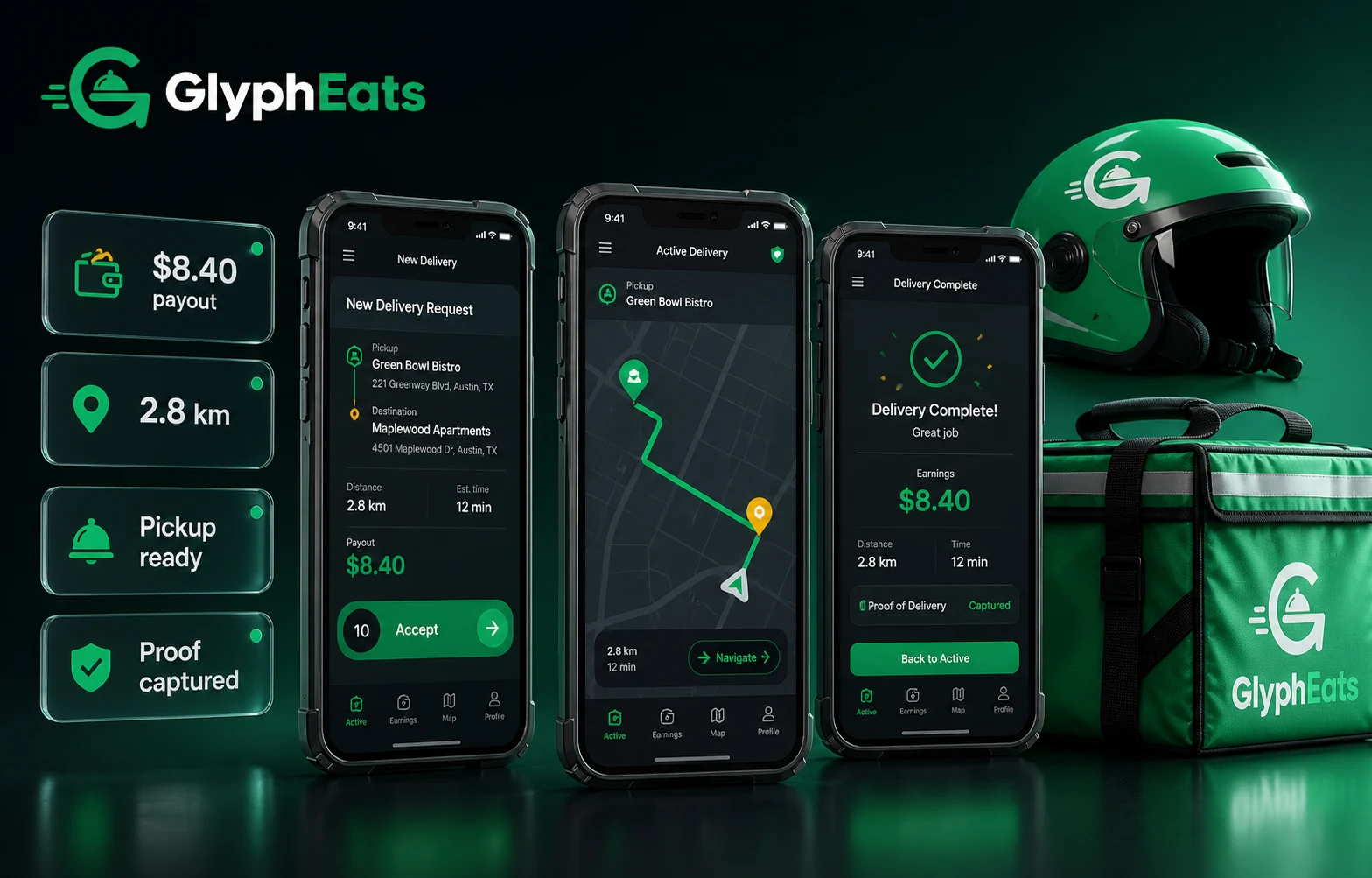
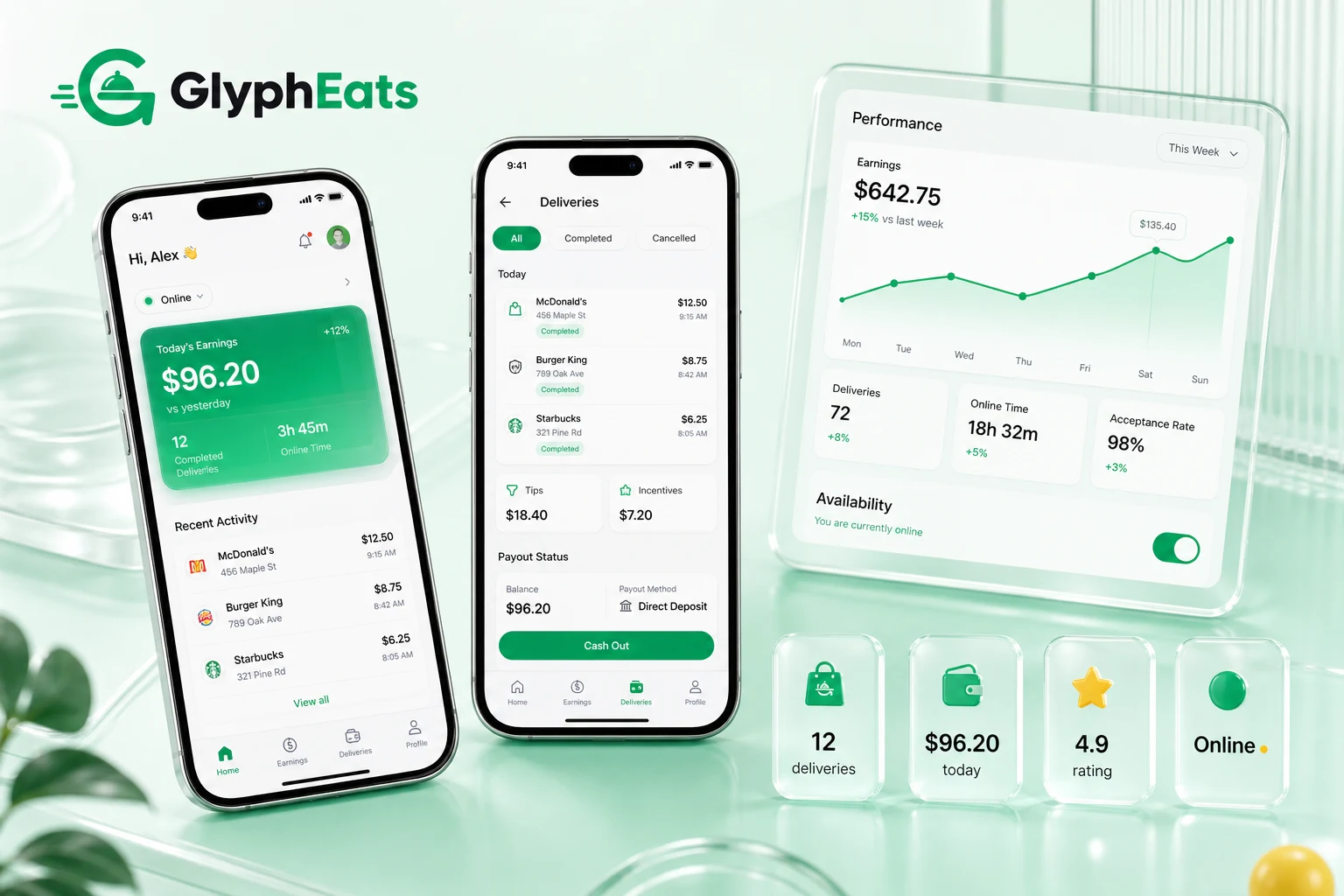
For riders
For admins
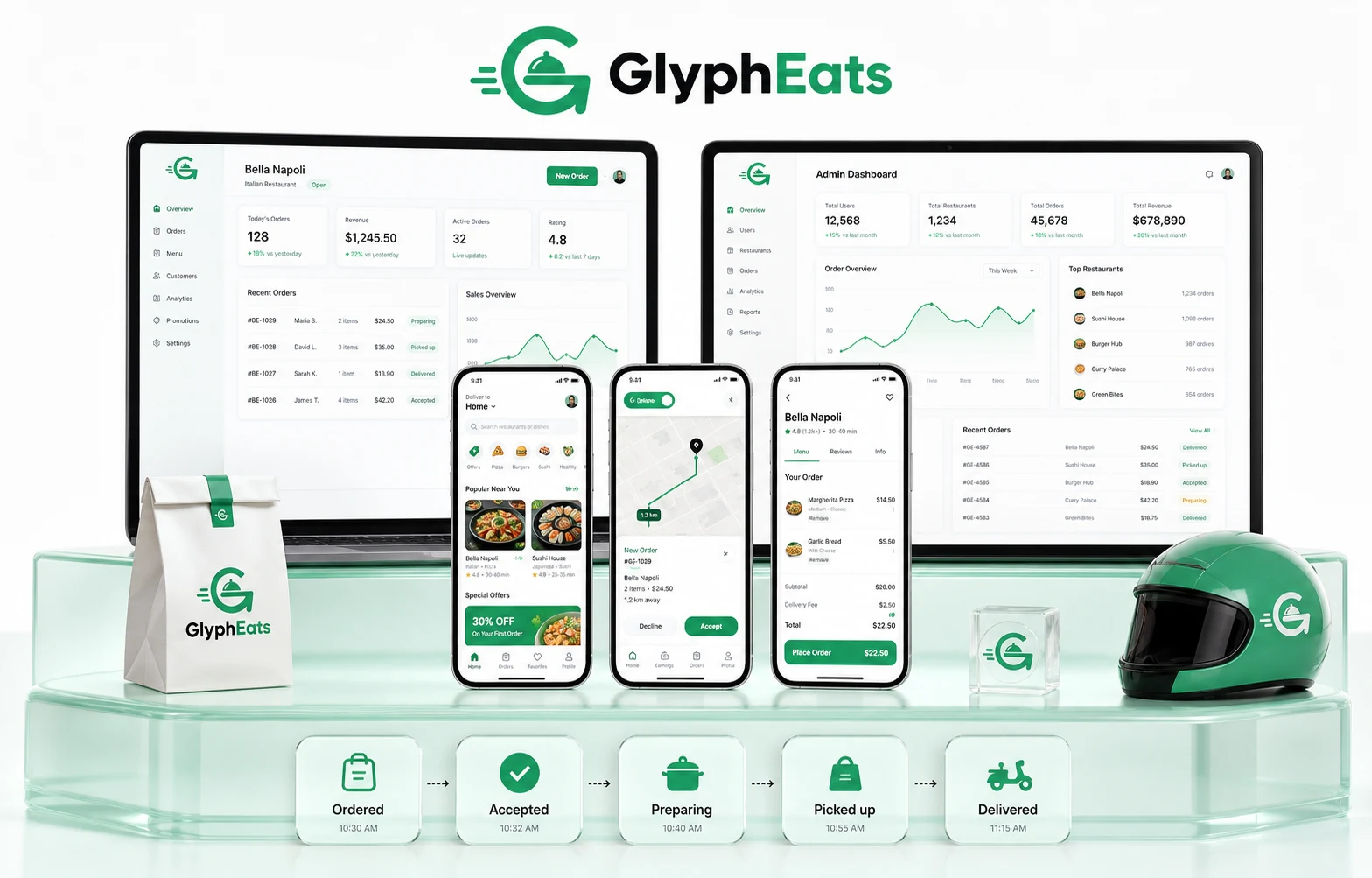
Get a quick look at today’s orders, active restaurants and riders, revenue, and recent activity in one place.
Check live and completed orders, see the current status, and step in if an order gets cancelled or has an issue.
Review restaurant and rider accounts, check their details, approve them, or change their account status when needed.
Decide where you want to offer delivery and set delivery charges, minimum order values, and other fees for each area.
Manage the platform logo, favicon, website details, contact information, social links, and other basic platform settings.
Keep track of customer payments, refunds, restaurant payouts, rider earnings, and the commission earned by the platform.
Why GlyphEats
Use your own name, logo, colors, favicon, and app details across the customer, rider, restaurant, and admin sides.
↗Add different restaurants to the platform and let each one manage its own menu, orders, timings, and availability.
↗Offer doorstep delivery, customer pickup, scheduled orders, or more than one option on the same platform.
↗Decide how much you want to charge restaurants on each order and change the commission when needed.
↗You get the complete source code after purchase without encrypted or locked files.
↗The customer and rider apps are built with Flutter for both Android and iOS using a single codebase.
↗From demo to launch
Take a look at the GlyphEats demo and tell us how you plan to run your food delivery business.
We add your branding and work on any changes you need for restaurants, orders, payments, delivery, or commissions.
We test the customer app, rider app, restaurant side, admin panel, payments, and the complete ordering flow before launch.
We install GlyphEats on your server and help submit the Android and iOS apps to the Google Play Store and Apple App Store.
The kitchen pass
 Now serving
We use Next.js for the restaurant web panel and admin panel.
How you earn
Before you launch
A food delivery app solution is a readymade platform for starting an online food ordering and delivery business. With GlyphEats, you can launch a marketplace similar to Uber Eats without building everything from scratch.
GlyphEats comes with the customer app, rider app, restaurant app, restaurant panel, and admin panel.
Yes. You can add multiple restaurants to GlyphEats, and each restaurant can have its own menu, prices, availability, and incoming orders.
Yes. GlyphEats can be customized to work with platform riders, restaurant-managed delivery, customer pickup (takeaway), or a combination of these.
Yes. We can integrate preferred payment gateways, map services, SMS, email, and other third-party services based on what is available in your country.
Yes. You can change the branding, features, ordering process, commissions, delivery rules, payments, and more according to the nature of your food delivery business.
The price depends on the package you choose and whether you need custom work or third-party integrations. GlyphEats pricing ranges from $1,500 to $4,000.
A standard setup with your branding can be ready to launch within a week. If you need custom features or third-party integrations, it may take a little longer depending on the work involved.
Yes. We share 100% of the source code without encrypted or locked files, so you own the code for life. Your development team can also work on GlyphEats later if needed.
Yes. We can change the app name, app images, logo, favicon, colors, icons, splash screens, and other branding elements before launch.
Yes. Our team helps with app submission and submits your Android and iOS apps to Google Play and the Apple App Store.
Yes. It is up to you to decide how much commission to charge restaurants and set delivery or service fees based on how you want to earn from the platform.
Yes. We can install GlyphEats on your remote server and complete the required setup.
Launch plan
#YOUR-BRANDStart with GlyphEats
See the GlyphEats demo and discuss how you want your food delivery business to work.